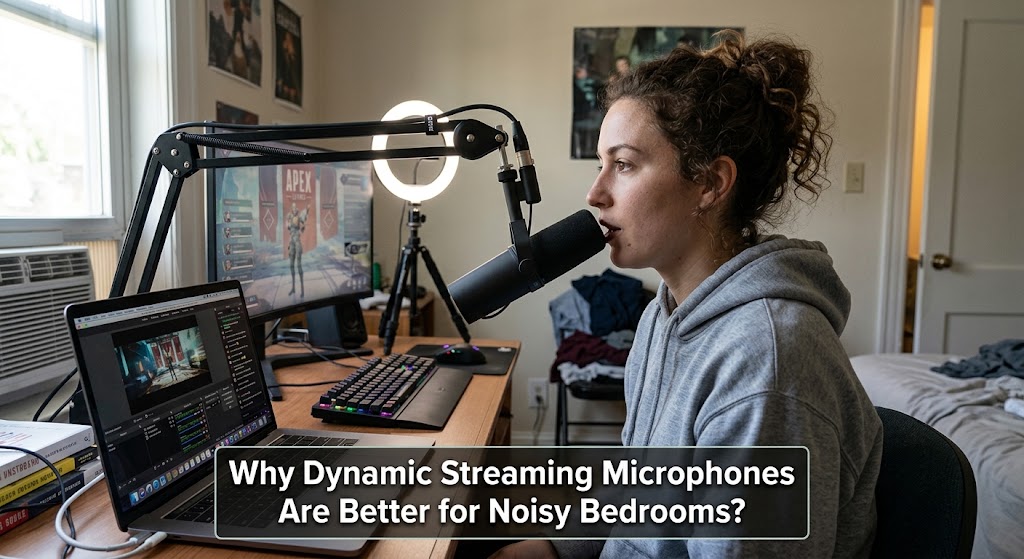
A mother starts banging pans in the kitchen. A neighbor’s dog suddenly decides it’s auditioning for a horror movie. Meanwhile, your expensive condenser microphone captures every bark, plate, keyboard click, and passing motorcycle in glorious detail. That’s exactly where dynamic streaming microphones make sense. Instead of trying to turn a bedroom into a recording studio, you make the microphone work harder to prioritize your voice.

The important distinction isn’t simply “dynamic sounds better.” It is about pickup behavior, distance, gain, and room reflections. RØDE’s current guidance specifically notes that dynamic microphones are less sensitive to room noise and reflections, while Shure recommends close placement with directional microphones to reduce unwanted sound.
1. Why Dynamic Streaming Microphones Win Against Background Noise
The biggest advantage is simple: you can get your mouth much closer to the microphone while keeping the room relatively far away.
Background Noise Rejection Starts With Distance
A cardioid dynamic microphone favors sound arriving from the front and reduces sound coming from other directions. Shure’s guidance recommends placing the microphone close to the desired source and positioning unwanted sounds toward the microphone’s rejection area.
That matters in a bedroom because your room isn’t acoustically neutral.
Think about what sits around you:
- PC fans
- air conditioners
- mechanical keyboards
- family conversations
- traffic
- pets
- hard walls and windows
- noisy neighbors
A condenser can be excellent in a controlled studio, but its higher sensitivity can make a messy bedroom sound even messier. RØDE similarly recommends dynamic microphones for noisier environments because they tend to capture less ambient sound.
The Close Mic Technique Is the Real Bedroom Hack
A common mistake is putting the microphone 30 or 50 cm away because it looks cleaner on camera.
For speech, that’s often backwards.
Shure recommends very close positioning for its SM7B, around 1 to 6 inches from the speaker, specifically to help block off-axis noise.
Closer speech gives you a stronger direct voice signal. That lets you reduce gain, which means less opportunity for the microphone and interface to amplify the room.
Proximity Effect Can Give You That Radio Voice
Move a directional microphone closer and bass response increases. That’s the proximity effect.
Used carefully, it produces the warm, intimate character people associate with radio and podcast voices. Shure confirms that directional microphones can gain noticeable low-frequency emphasis at close distances.
The catch? Get too close and your voice can become boomy.
A practical starting point is roughly 5 to 15 cm from the capsule, then adjust your angle and distance until consonants stay clear without excessive bass.
Podcast Style Audio Does Not Require a Perfect Studio
This is why broadcast-style microphones remain popular among bedroom creators.
You don’t need acoustic foam covering every square inch of the wall. A dynamic microphone, boom arm, sensible placement, curtains, bedding, and a quiet speaking position can already make a substantial difference.
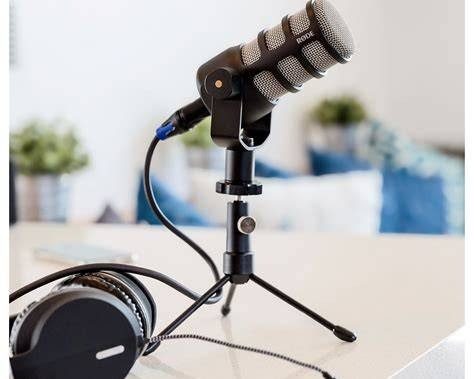
For example, RØDE describes the PodMic as a dynamic microphone designed for podcasting, streaming and speech, with a cardioid pattern intended to reject room noise.
2. Room Acoustics Still Matter Even With a Good Dynamic Mic
A dynamic microphone isn’t a magic force field. If your bedroom sounds like an empty bathroom, the microphone can’t completely erase that problem.
Why Reflections Can Still Make Your Voice Sound Cheap
Hard surfaces reflect speech back toward the microphone. Those reflections arrive slightly later than the direct voice and can create a boxy or phasey character.
Shure recommends reducing reflective surfaces and moving the microphone closer to the speaker when room acoustics become a problem.
Try the boring fixes first:
- Close curtains.
- Keep the bed and soft furniture in the room.
- Avoid facing a bare wall.
- Move the microphone away from glass.
- Put the microphone slightly off-axis from the loudest background source.
- Keep your mouth consistently close to the capsule.
This is often more useful than immediately buying expensive acoustic panels.
And remember, room acoustics and background noise are different problems. Curtains may tame reflections, but they won’t stop your neighbor’s dog.
If you’re also comparing microphone options for gaming hardware, this guide to streaming mics compatible with Xbox is worth checking before you buy.
3. Build a Bedroom Broadcaster Setup That Actually Works
The best audio interface setup isn’t necessarily the most expensive one. It is the one that gives you enough clean gain while keeping the microphone positioned correctly.


Start with the microphone itself, then solve the chain around it.
USB or XLR? Pick Based on Your Workflow
USB is easier for beginners because the microphone connects directly to the computer.
XLR gives you more flexibility through an audio interface and makes sense if you’re planning to upgrade your setup later.
For a bedroom streamer who wants simplicity, USB can be perfectly adequate. For someone building a serious podcast or streaming rig, XLR offers more control.
Keep Gain Low and Your Voice Close
Don’t compensate for distance by cranking the gain.
A better sequence is:
Move closer → speak toward the capsule → lower gain → monitor the result.
This improves the voice-to-room ratio before software processing even begins.
Use a Pop Filter or Windscreen
Close-mic technique creates another problem: plosives.
Sounds like “P” and “B” can produce bursts of air that hit the capsule. Shure recommends appropriate windscreens for close speech, particularly when plosives become noticeable.
A Practical Bedroom Streaming Checklist
Before going live, check:
- Is the microphone within roughly 5 to 15 cm of your mouth?
- Is the capsule aimed directly at your voice?
- Is the loudest unwanted sound behind the microphone’s rejection area?
- Is your gain lower than it was with the microphone farther away?
- Are fans or air conditioners unnecessarily loud?
- Are reflections coming from a bare wall or window?
- Is your voice becoming too boomy because of proximity effect?
Get those basics right and even a modest dynamic microphone can sound surprisingly polished.
The audio interface setup comes second. Placement comes first.

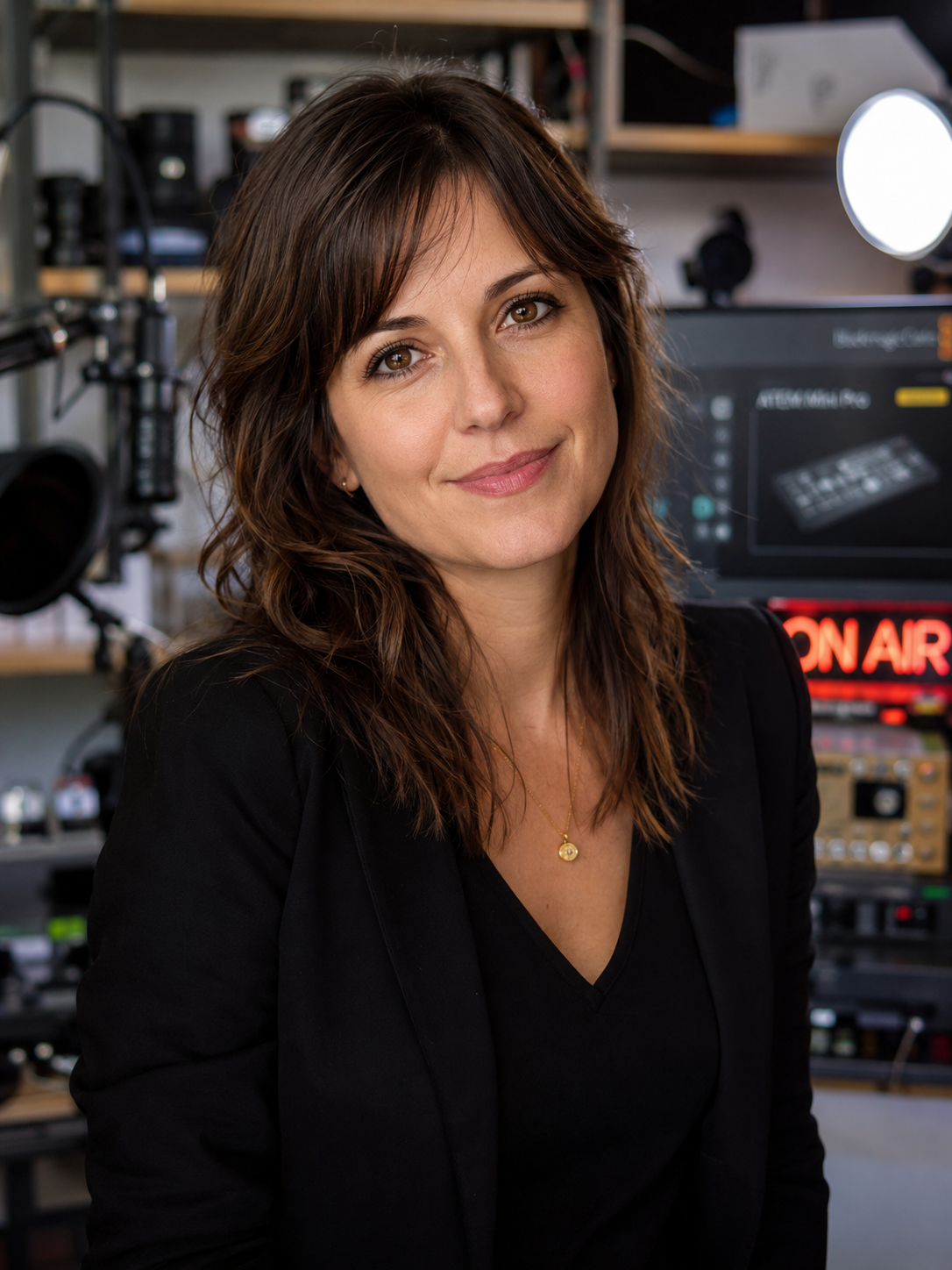
Elodie Marceau is a former audiovisual technician who worked with small studios, cultural organizations, and independent production teams. She has practical experience with cameras, microphones, mixers, lighting equipment, capture cards, encoders, and livestream software. Her reviews focus on how equipment performs in realistic working environments, including small rooms, temporary studios, mobile setups, and limited-budget productions.