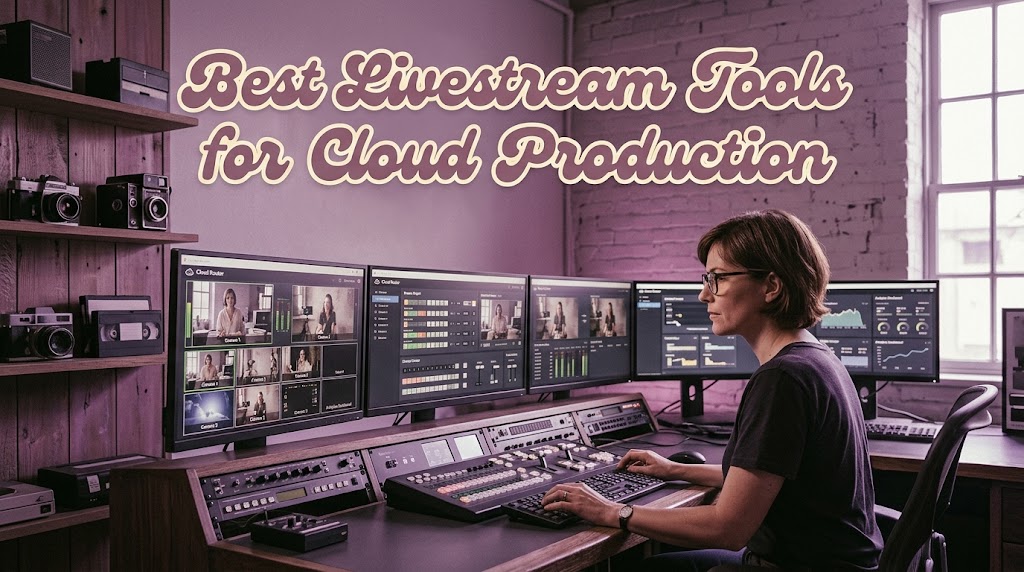
An old broadcast workstation can swallow electricity, floor space, and half your production budget just to keep a few video feeds moving. The best livestream tools are increasingly shifting that workload into cloud infrastructure, where encoding, routing, monitoring, and parts of production can scale without buying another rack of hardware.
That doesn’t mean every cloud service is a magic replacement for a physical control room. In fact, the most useful approach is hybrid: cameras and contribution hardware stay where the action happens, while processing and distribution move closer to the cloud. AWS describes MediaLive as a cloud-based, broadcast-grade video processing service that can provision live channels in minutes.Cloud production works best when you stop thinking about one giant virtual studio and start thinking about connected services. Each component handles a specific job, and the workflow becomes easier to scale.
1. Best Livestream Tools for Cloud Production and Five Building Blocks That Matter
Cloud production works best when you stop thinking about one giant virtual studio and start thinking about connected services. Each component handles a specific job, and the workflow becomes easier to scale.
1.1 Cloud Production Replaces the Fixed Control Room
Instead of putting every encoder, recorder, router, and processor inside one room, cloud production separates those functions. A camera feed can enter through a contribution encoder, travel into the cloud, and then be processed or routed from there.
AWS supports this model through services such as MediaConnect and MediaLive. MediaConnect can ingest feeds from on-premises encoders or remote sources and distribute them to multiple destinations.
1.2 Virtual Machines Give Production Teams More Flexibility
A cloud workflow can also use virtual machines for software-based production systems.
That’s useful when your production application needs a particular operating system, GPU configuration, or software environment. Instead of purchasing another physical workstation, you can provision the required computing resources remotely.
The trade-off is important, though. GPU availability, network latency, storage, and licensing can quickly become expensive if the workload runs continuously.
1.3 AWS Elemental Is Stronger as the Processing Backbone
AWS Elemental MediaLive is particularly interesting for broadcasters because it focuses on real-time encoding, input switching, redundancy, and scalable live video processing. AWS says MediaLive can support 24/7 or event-based workflows and automatically provision the infrastructure required for channels.
But here’s the catch.
MediaLive isn’t a complete replacement for every traditional vision mixer. It’s better understood as a broadcast-grade processing component within a wider architecture.
1.4 Remote Vision Mixing Needs More Than an Encoder
The exciting part is connecting a remote production interface to geographically separated sources.
MediaConnect’s newer router functionality allows operators to manage live media routes across AWS Regions and perform source switching from a centralized interface.
That’s where remote vision mixing becomes practical.
A director in Tokyo could theoretically control a cloud-based workflow receiving feeds from New York, provided the contribution paths, latency, synchronization, and control interfaces are engineered properly.
1.5 vMix Still Makes Sense for Software Based Production
vMix remains attractive when you want a production environment centered on software rather than assembling every function separately. Its current feature set includes multiple cameras, NDI sources, remote guests, virtual sets, overlays, recording, and simultaneous streaming.
Its vMix Call feature can also bring remote guests into a production using a web browser and webcam, supporting up to eight guests in vMix Pro.
For a smaller production team, that’s often easier to manage than building a large AWS architecture from scratch.
2. How Cloud Routing Connects Cameras in New York With Producers in Tokyo

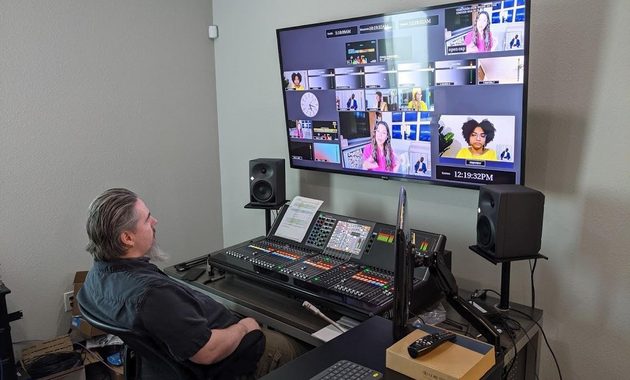
The real advantage isn’t simply putting OBS or a switcher on a server. It’s creating a workflow where sources, processing, control, and delivery can live in different places without forcing everyone into the same physical room.
A practical architecture might look like this:
Camera → Contribution Encoder → MediaConnect → Cloud Production → MediaLive → Packaging → CDN → Viewer
MediaConnect handles live transport and routing, while MediaLive handles real-time encoding. AWS’s reference architecture combines MediaLive with MediaPackage and CloudFront for scalable live delivery.
This separation is valuable because a failure in one component doesn’t necessarily require replacing the entire production system.
For example:
- Cameras remain at the venue.
- A remote operator monitors incoming feeds.
- Production applications run in cloud infrastructure.
- Encoding scales according to the event.
- Distribution happens through a CDN.
- Operators can route sources without moving physical cables.
That’s a much different mindset from the traditional truck-and-control-room model.
It also makes geographic expansion easier. AWS MediaConnect can route content between sources and destinations across different AWS Regions, while maintaining centralized management.
The downside is latency. A browser dashboard doesn’t magically eliminate the physical distance between Tokyo and New York. Contribution paths, encoding, processing, and return feeds all introduce delay.
So cloud production is not about pretending geography doesn’t exist. It’s about designing the workflow so geography becomes manageable.
3. When Cloud Streaming Tools Are Worth the Cost and When They Are Not
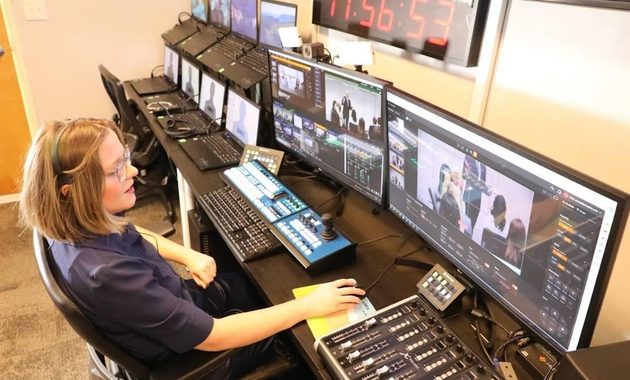
Cloud infrastructure becomes compelling when your production requirements are bigger than your physical studio.
Consider moving toward cloud workflows when you have:
- Multiple remote camera locations
- Frequent live events
- Distributed production teams
- Several output platforms
- 24/7 channels
- International audiences
- Variable production demand
- A need for redundancy
AWS specifically positions MediaLive around high availability, automated provisioning, and pay-as-you-use infrastructure rather than large upfront encoder purchases.
But don’t assume cloud automatically means cheaper.
AWS’s own deployment guidance highlights that costs depend on encoding, packaging, distribution, regions, and viewer volume. One AWS example shows how distribution can become a much larger cost than encoding itself.
That’s the bit many “cloud is cheaper” comparisons miss.
For a creator streaming three evenings a week, a powerful local PC may still be the sensible choice. For a broadcaster managing hundreds of channels or geographically distributed events, cloud elasticity can become much more valuable.
Before migrating, calculate:
- Encoding hours
- Expected bitrate
- Viewer traffic
- Number of outputs
- Regional requirements
- Storage and recording needs
- Backup and failover requirements
- Operator bandwidth and latency
For smaller teams researching current options, this TikTok live streaming tools review for 2026 is a useful comparison point before jumping straight into enterprise infrastructure.
The smartest workflow is usually not “cloud everything.” It’s cloud what benefits from scale, keep local what benefits from immediate control.
That balance is what turns an expensive collection of machines into a flexible production system.
Q&A
Can cloud production completely replace a physical broadcast control room?
Not always. Cameras, contribution encoders, monitoring, and some control hardware may still need to remain on-site, especially for low-latency productions.
Is AWS Elemental MediaLive suitable for a small streamer?
Technically, it can process live video, but the architecture and usage-based pricing can be excessive for a simple creator workflow. OBS, vMix, or another local production application may be more practical.
Does cloud production eliminate streaming latency?
No. Cloud infrastructure can improve scalability and routing, but network distance, contribution protocols, encoding, processing, and distribution still contribute to end-to-end latency.

Elodie Marceau is a former audiovisual technician who worked with small studios, cultural organizations, and independent production teams. She has practical experience with cameras, microphones, mixers, lighting equipment, capture cards, encoders, and livestream software. Her reviews focus on how equipment performs in realistic working environments, including small rooms, temporary studios, mobile setups, and limited-budget productions.